PPlaylee support
Help centre
Straightforward help for setting up tournaments, adding teams, building fixtures, entering scores, and running the day with less stress.
Guide
Estimated read: 11 min
Build a publishable schedule
Build fixtures in Scheduling, then check the public page before you share the event.
Quick answer
Open Scheduling, create the matches, check every time and pitch, save, and then open the public fixtures page to review it.
Before you start
Teams loaded into the correct divisions
1. Create the fixtures
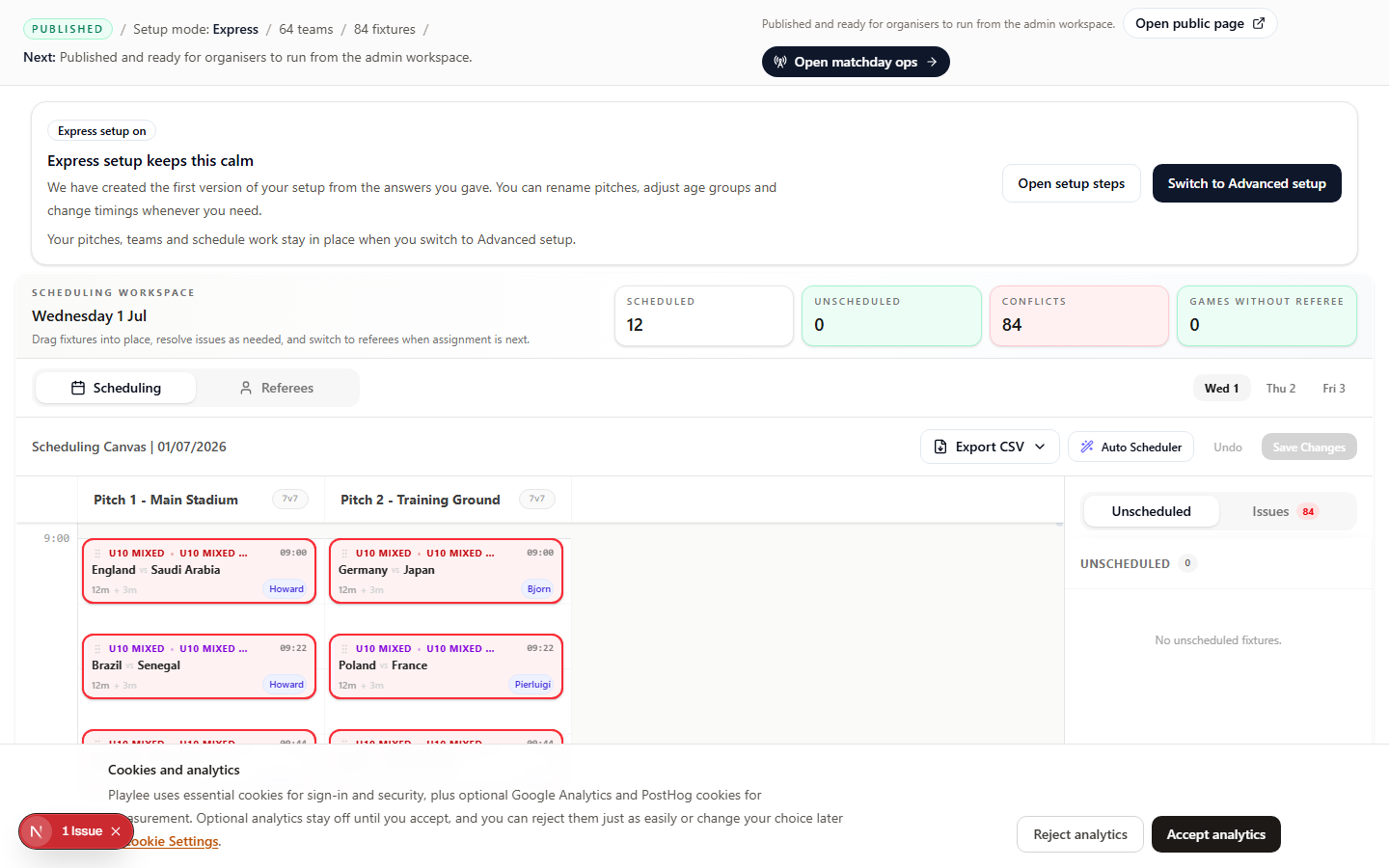
- Open Scheduling and choose the division or age group you want to work on.
- Use the schedule builder or add matches by hand, depending on how you prefer to work.
- Make sure each match has a time and a pitch before you move on.
- Check that the same team is not playing back to back with no break unless that is intentional.
- Click Save.
2. Check the public fixtures page
- Open the public fixtures page.
- Check the first fixtures of the day.
- Check that the pitch names and kick-off times are easy to understand.
- Check that the age group or division names look right.
3. Check the schedule
Checklist
- Pitch names are clear.
- Teams are not waiting for hours for one short match.
- The first match and last match of the day look sensible.
Check this page for overlaps, long gaps, and teams with matches too close together before matchday.