PPlaylee support
Help centre
Straightforward help for setting up tournaments, adding teams, building fixtures, entering scores, and running the day with less stress.
Guide
Estimated read: 8 min
Readiness checklist before going live
Use this checklist just before you share the tournament publicly.
Quick answer
Check the fixtures, staff access, public pages, and ticketing before you send the link to teams and parents.
Before you start
A tournament with teams and fixtures
1. Check Fixtures
- Open Scheduling.
- Check that every division you want to show has fixtures.
- Check that no pitch is double-booked.
- Check that teams have sensible gaps between matches.
2. Check access
Checklist
- At least one other trusted person can help if you get busy.
- You know who will enter scores on the day.
- Referees or helpers can open the pages they need.
3. Check the public pages
- Open the public fixtures page and make sure kick-off times and pitch names are easy to read.
- Open the public standings page and check that the groups and division names are sensible.
- Open the link on your phone, not just on your desktop.
Checklist
- The public pages look ready to share.
- Parents could find the right age group without help.
- Your event description is up to date.
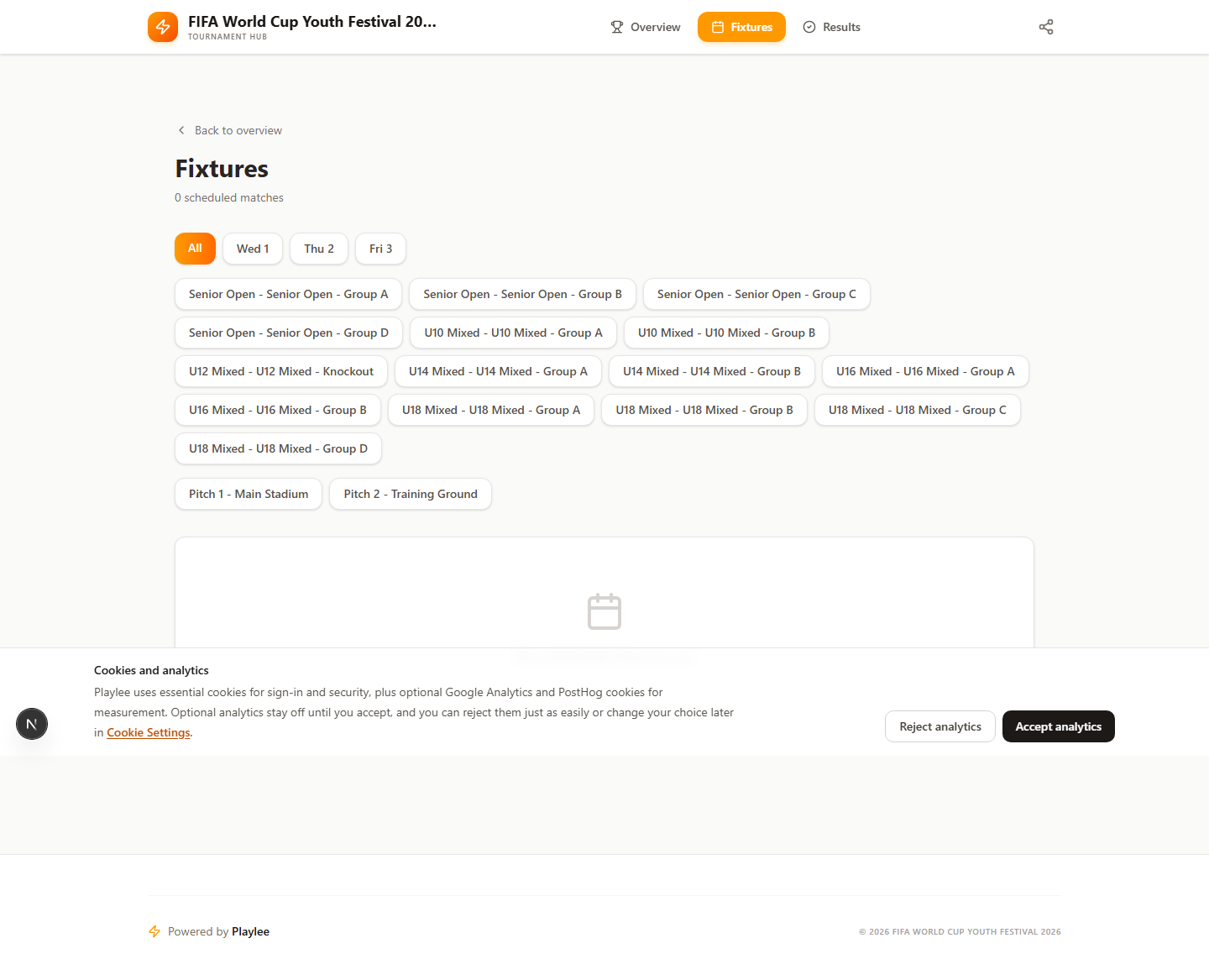
Read the fixtures page like a parent or team manager would, not like the admin who built it.
4. Check ticketing if you are using it
- Open the public ticket page.
- Check the ticket names and prices.
- Make sure ticket sales are only on if you are ready to sell.