PPlaylee support
Help centre
Straightforward help for setting up tournaments, adding teams, building fixtures, entering scores, and running the day with less stress.
Walkthrough
Estimated read: 7 min
Import teams and check club details
Add or import teams, check the names, and make sure each team is in the correct division before you create fixtures.
Quick answer
Open Teams, add or import the list, check the spelling and contact details, and save only when the teams are in the right division.
Before you start
A completed tournament structure
Add or import teams
- Open the Teams area and click the button to add or import teams.
- Enter or import the club name and team name exactly as you want them shown publicly.
- Check the manager name, phone number, and email if those fields are present.
- Choose the correct age group and division for each team.
- Look for duplicate spellings such as Saints U10 and St. Saints U10, then tidy them before saving.
- Save the teams list and review it once more before creating fixtures.
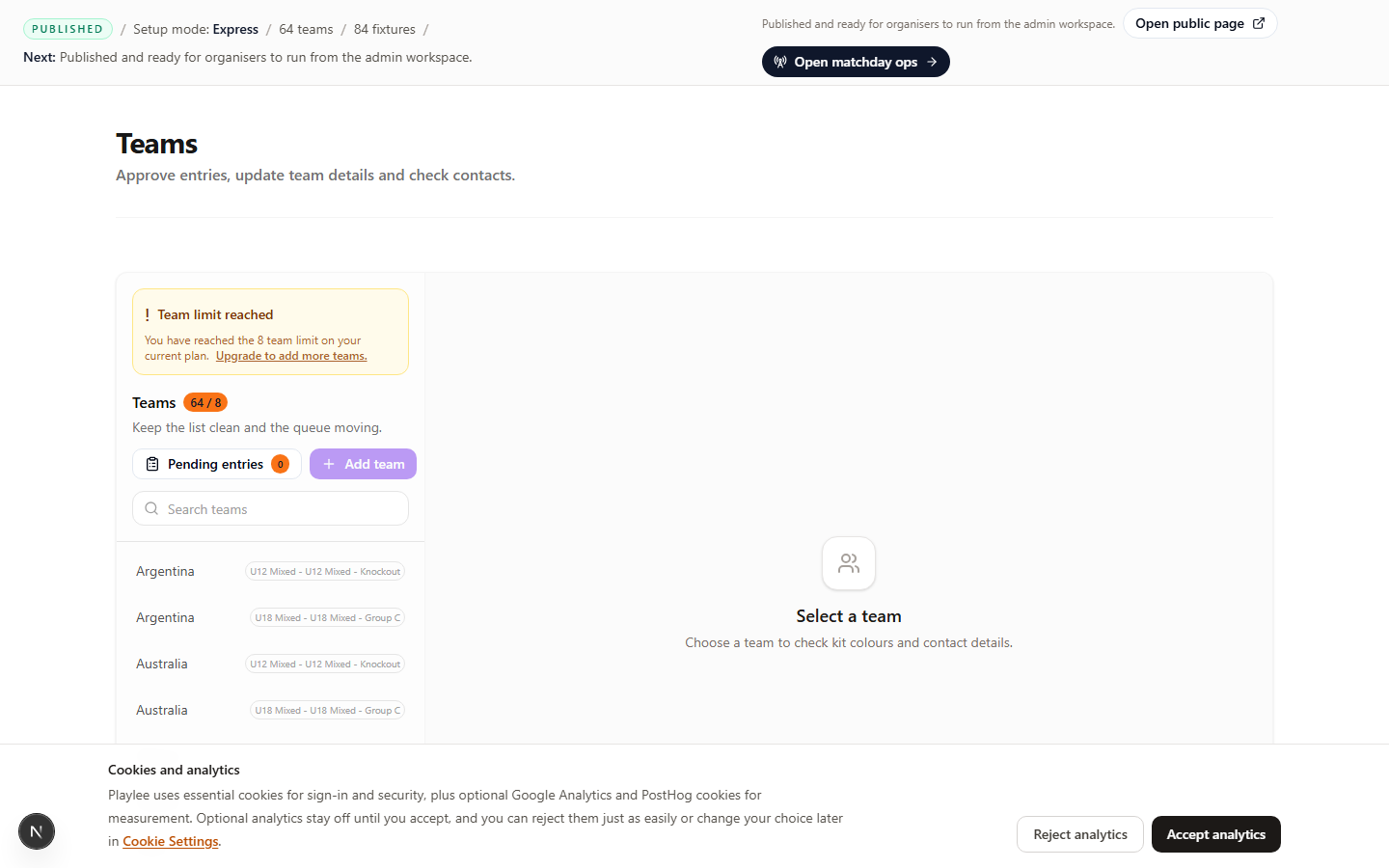
Clean team names and division placement here before you generate fixtures.