PPlaylee support
Help centre
Straightforward help for setting up tournaments, adding teams, building fixtures, entering scores, and running the day with less stress.
Guide
Estimated read: 8 min
Assign referees and verify coverage
Add referees once the schedule is mostly settled and make sure the busiest parts of the day are covered.
Quick answer
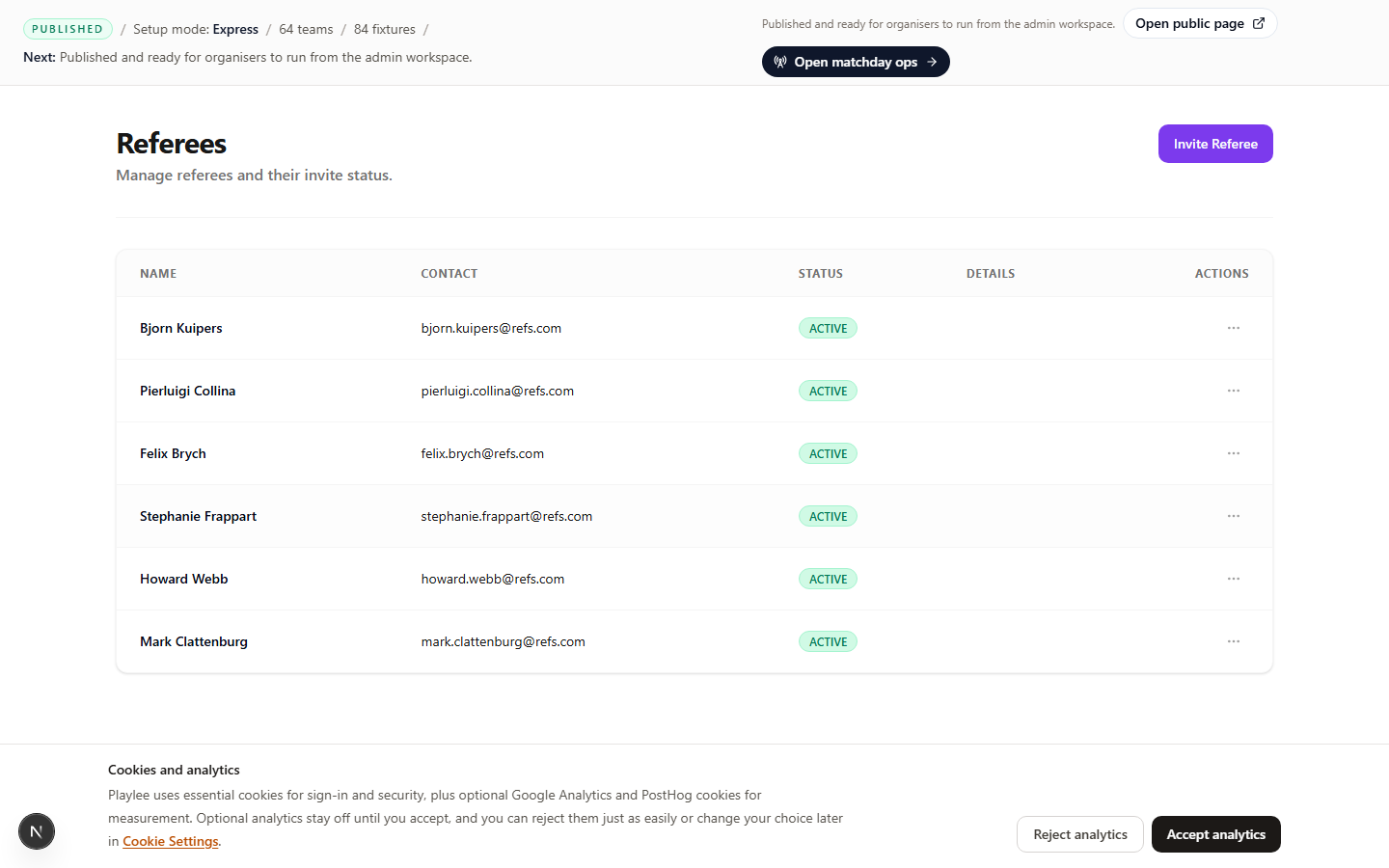
Open Referees after the fixture list is mostly ready. Add the referees, then assign the busiest time slots first.
Before you start
A fixture list that is mostly settled
Add referees
- Open Referees after the schedule is mostly in place.
- Add or invite the referees you know are working your event.
- Save the referee list before you start assigning games.
Invite referees once the fixtures are settled so you are not changing assignments every few minutes.
Assign the matches
- Assign the earliest matches first.
- Assign the busiest pitch blocks next.
- Work through the rest of the day until every important slot has a named referee or a clear plan.
- Save and review the list once more before matchday.
Invite referees once the fixtures are settled so you are not changing assignments every few minutes.
Check cover before the event
Checklist
- Every important time slot has cover.
- The correct referees received their invite or link.
- Referees know how they will see their games and submit scores.