PPlaylee support
Help centre
Straightforward help for setting up tournaments, adding teams, building fixtures, entering scores, and running the day with less stress.
Guide
Estimated read: 5 min
Set up pitches and playing areas
Add every pitch or playing area before you build the schedule so the fixture list has somewhere real to place matches.
Quick answer
Open the format or pitches page, add each pitch with a clear name, save it, and only then start building fixtures.
Add the pitches
- Open your tournament and go to the format or pitches page.
- Click to add a pitch or playing area.
- Enter the name exactly as you want coaches and parents to see it, for example Pitch 1 or 3G A.
- Repeat this for every pitch you will use on the day.
- Click Save before you leave the page.
Check the names
Checklist
- Each pitch name is easy to understand.
- You have not added the same pitch twice by mistake.
- The names match the signs people will see at the venue.
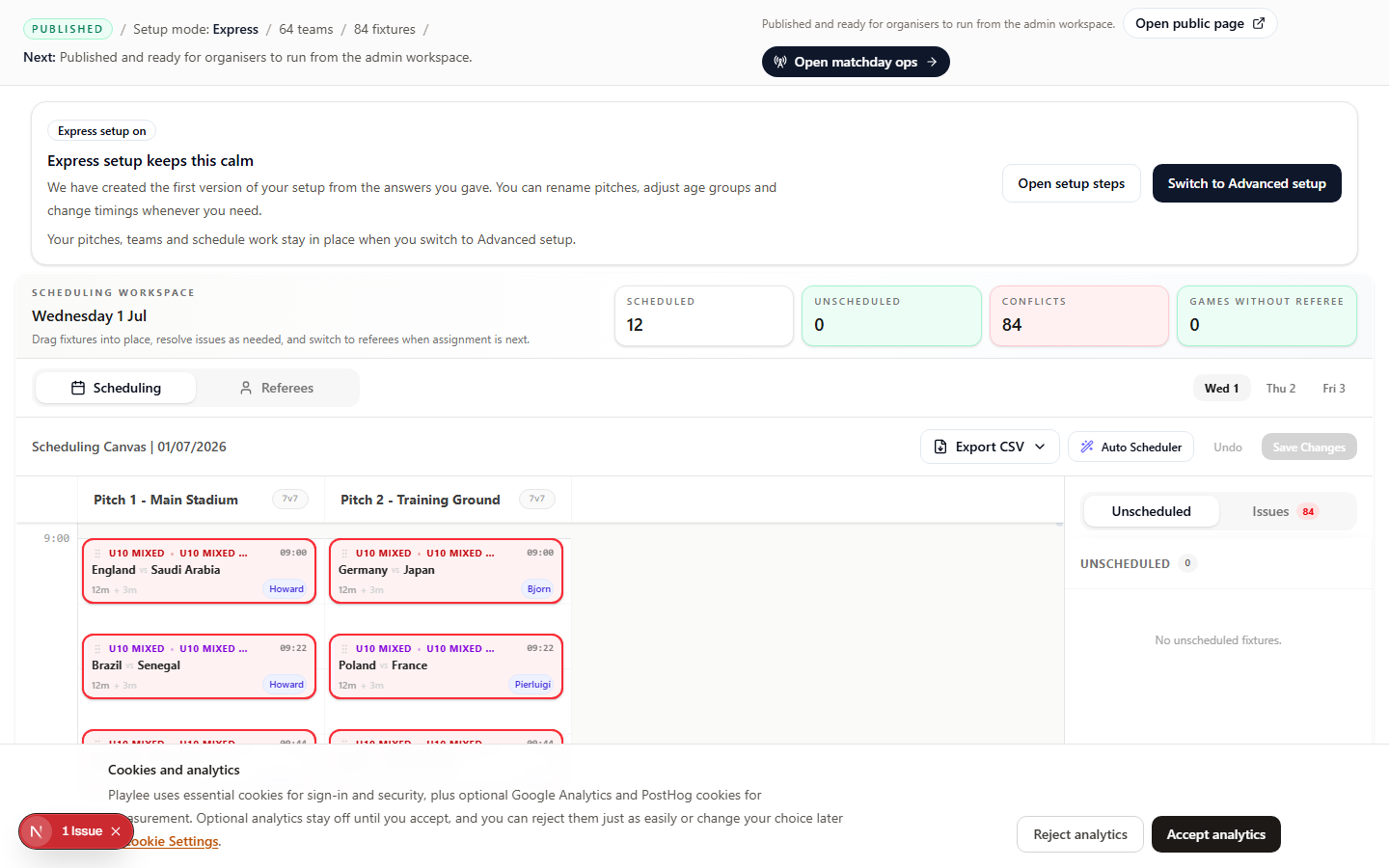
Check this page for overlaps, long gaps, and teams with matches too close together before matchday.