PPlaylee support
Help centre
Straightforward help for setting up tournaments, adding teams, building fixtures, entering scores, and running the day with less stress.
Guide
Estimated read: 5 min
Use the mobile and public experience as a quality check
Check the public side on your phone before you send the links out.
Quick answer
Open fixtures, results, and standings on a phone and make sure they are easy to read and easy to open.
Check the pages on your phone
- Open the public tournament page on your phone.
- Tap into fixtures and check that the right day opens easily.
- Tap into results and standings and make sure the text is readable.
- Send the link to another phone if you want a second pair of eyes before publishing widely.
Checklist
- Fixtures are easy to find.
- Results and standings make sense on a small screen.
- The links open on the correct page.
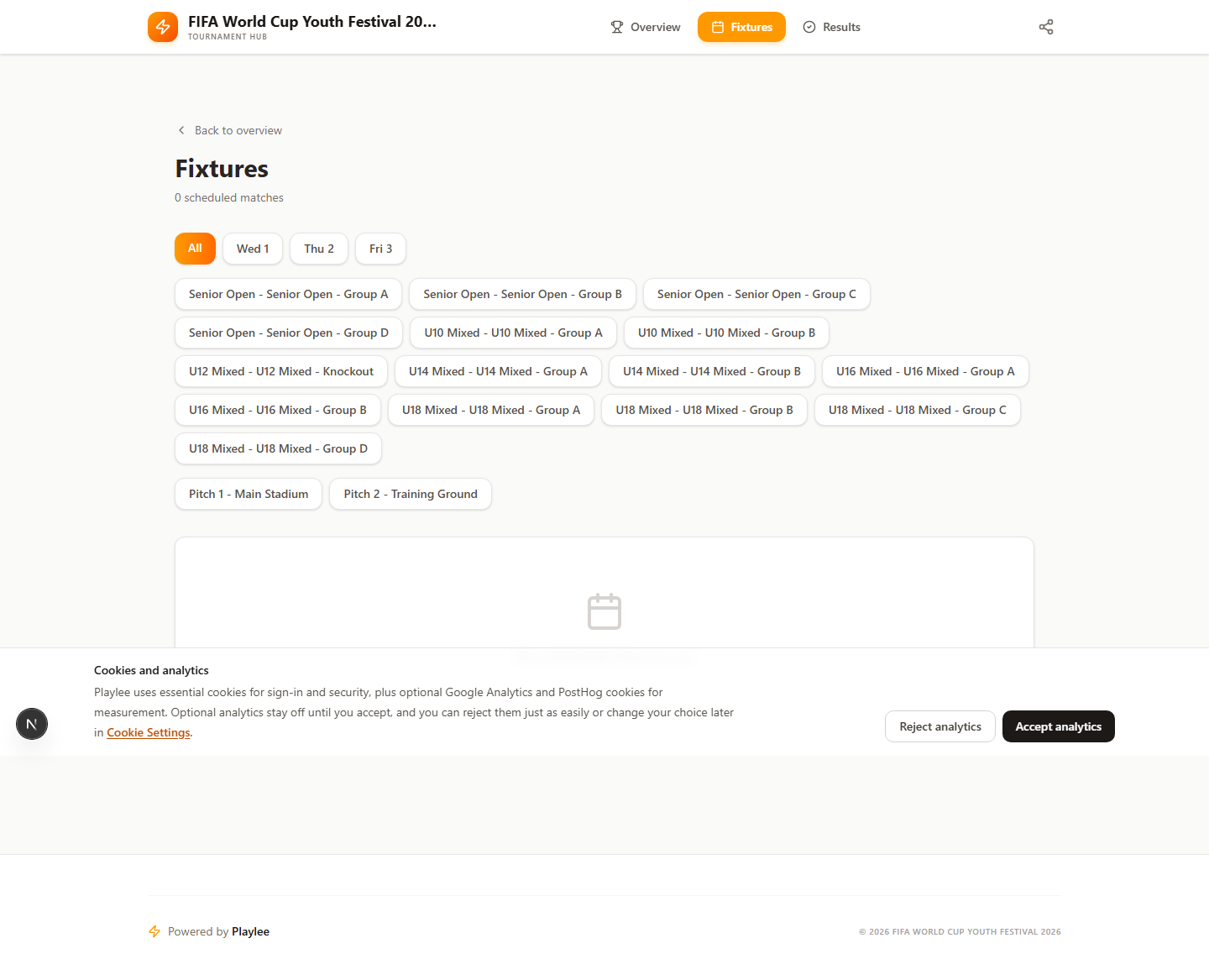
Read the fixtures page like a parent or team manager would, not like the admin who built it.