PPlaylee support
Help centre
Straightforward help for setting up tournaments, adding teams, building fixtures, entering scores, and running the day with less stress.
Q&A
Estimated read: 4 min
How should I share fixtures, results, and standings?
Share the live public links, not screenshots that go out of date straight away.
Quick answer
Copy the public link and send that to coaches, parents, and spectators so they always see the latest times and scores.
Share the live link
- Open the public tournament page.
- Copy the main public link if you want people to browse everything.
- Copy the direct fixtures, results, or standings link if you want to send people to one specific page.
- Share that link in your WhatsApp groups, team emails, or club socials.
- Avoid using screenshots as the main update because they become wrong the moment you change anything.
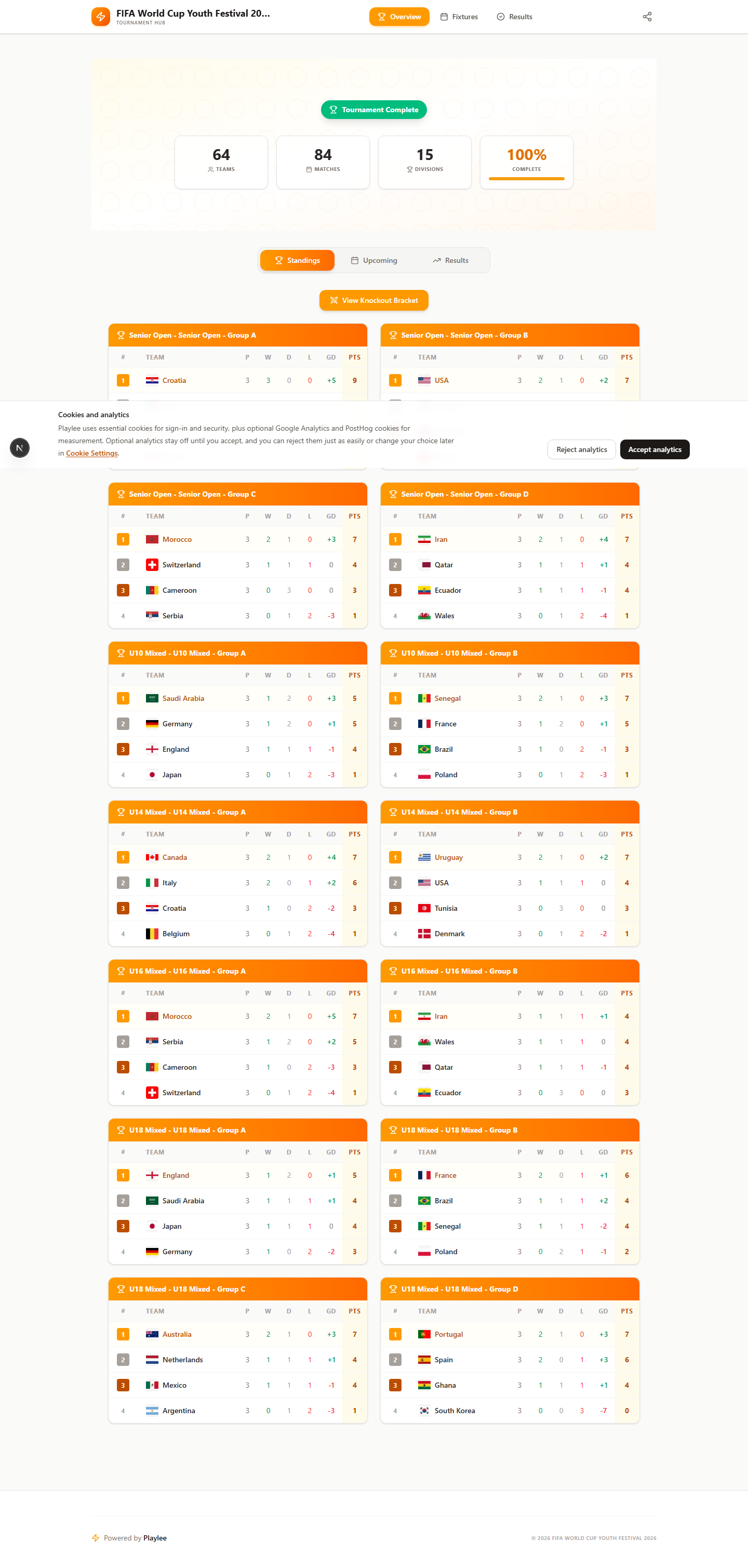
Check standings early on event day so ranking issues do not go unnoticed.